Check Off Club
30-Day Fitness Challenge — free printable PDF
Challenges & Trackers

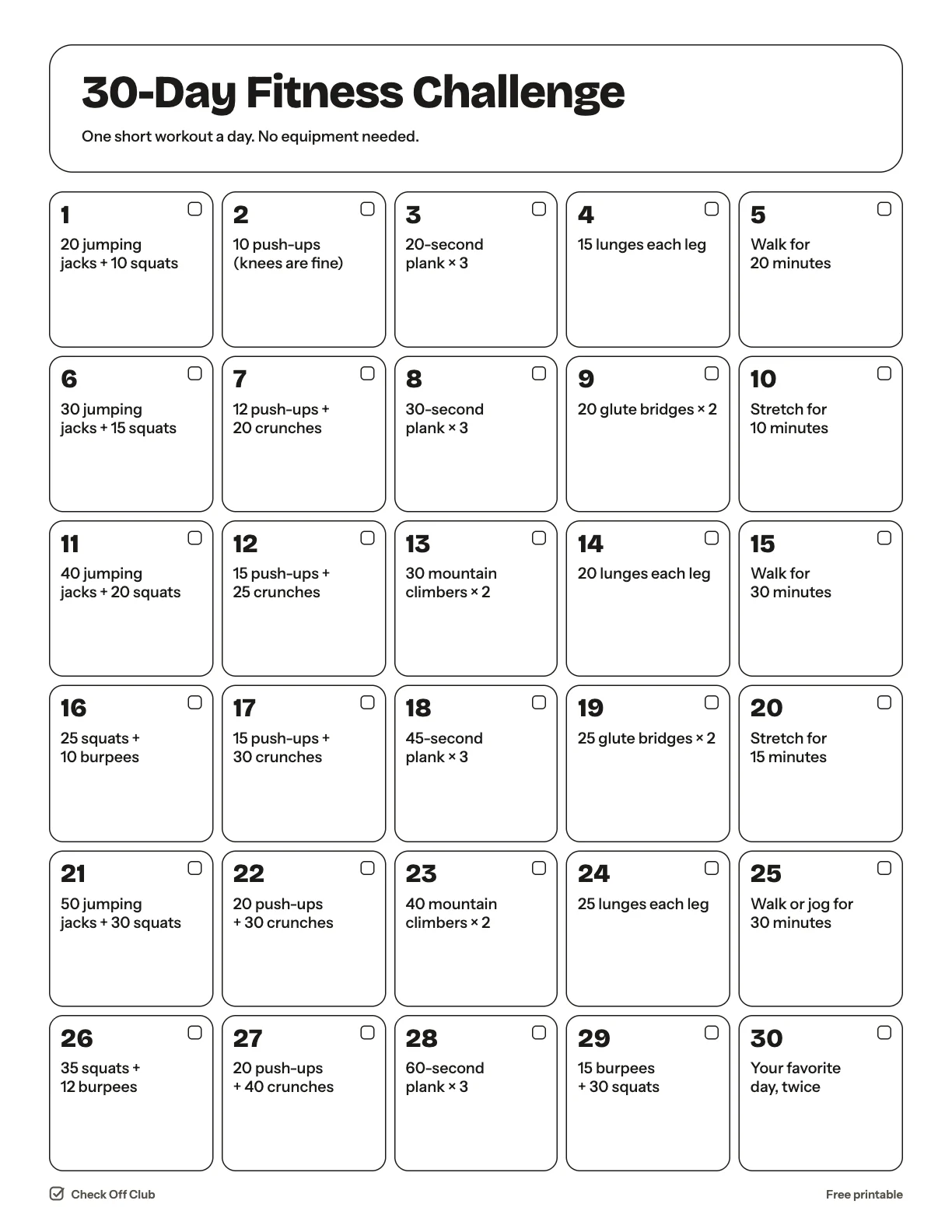
30-Day Fitness Challenge

Thirty short workouts you can do at home with no equipment. Each one takes about ten minutes, and every fifth or sixth day is a walk or a stretch so you never do two hard days too many in a row.

Paper
Edit it before printing — change any text, type on the lines, pick your own color
  • Free, no sign-up
  • 1 page
  • White paper by default, color optional
Save to Pinterest

How to use it

  1. Do it at the same time every day so you do not have to decide when.
  2. Too easy? Do the day twice. Too hard? Halve the numbers.
  3. Go at your own pace and stop if anything hurts.
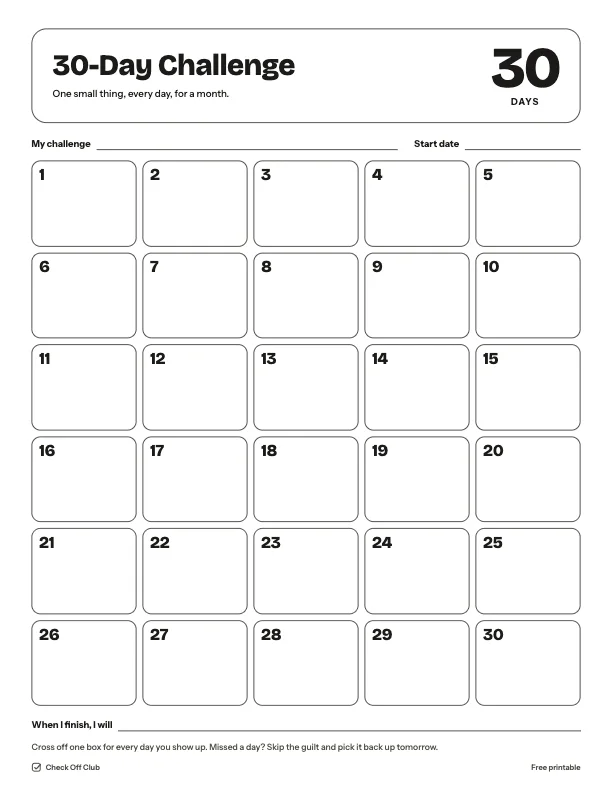
What is on the 30-day fitness challenge

  1. 20 jumping jacks + 10 squats
  2. 10 push-ups (knees are fine)
  3. 20-second plank × 3
  4. 15 lunges each leg
  5. Walk for 20 minutes
  6. 30 jumping jacks + 15 squats
  7. 12 push-ups + 20 crunches
  8. 30-second plank × 3
  9. 20 glute bridges × 2
  10. Stretch for 10 minutes
  11. 40 jumping jacks + 20 squats
  12. 15 push-ups + 25 crunches
  13. 30 mountain climbers × 2
  14. 20 lunges each leg
  15. Walk for 30 minutes
  16. 25 squats + 10 burpees
  17. 15 push-ups + 30 crunches
  18. 45-second plank × 3
  19. 25 glute bridges × 2
  20. Stretch for 15 minutes
  21. 50 jumping jacks + 30 squats
  22. 20 push-ups + 30 crunches
  23. 40 mountain climbers × 2
  24. 25 lunges each leg
  25. Walk or jog for 30 minutes
  26. 35 squats + 12 burpees
  27. 20 push-ups + 40 crunches
  28. 60-second plank × 3
  29. 15 burpees + 30 squats
  30. Your favorite day, twice

Questions

Is this printable really free?

Yes. The 30-Day Fitness Challenge is free to download and print for personal, family and classroom use. There is no sign-up and no email required.

Which size should I download — US Letter or A4?

Choose US Letter (8.5 × 11 in) if you are in the United States or Canada, and A4 (210 × 297 mm) almost everywhere else. Both files have the same content.

How do I print it?

Open the PDF and print at 100% or "actual size" on plain paper. The default version is white with thin outlines, so it uses very little ink. If you want color, switch Paper to Color before downloading, or pick any color in the editable version.

Can I edit it before printing?

Yes. Use "Edit it before printing" on this page to open the editable version. Click any text to change it, type on the blank lines, tick boxes, then print it or save it as a PDF. Your changes are kept in your browser only.

Can I use it on a tablet instead of printing?

Yes. Import the PDF into GoodNotes, Notability or any PDF annotation app and write on it with a stylus.