Check Off Club
30-Day No-Coffee Challenge — free printable PDF
Challenges & Trackers

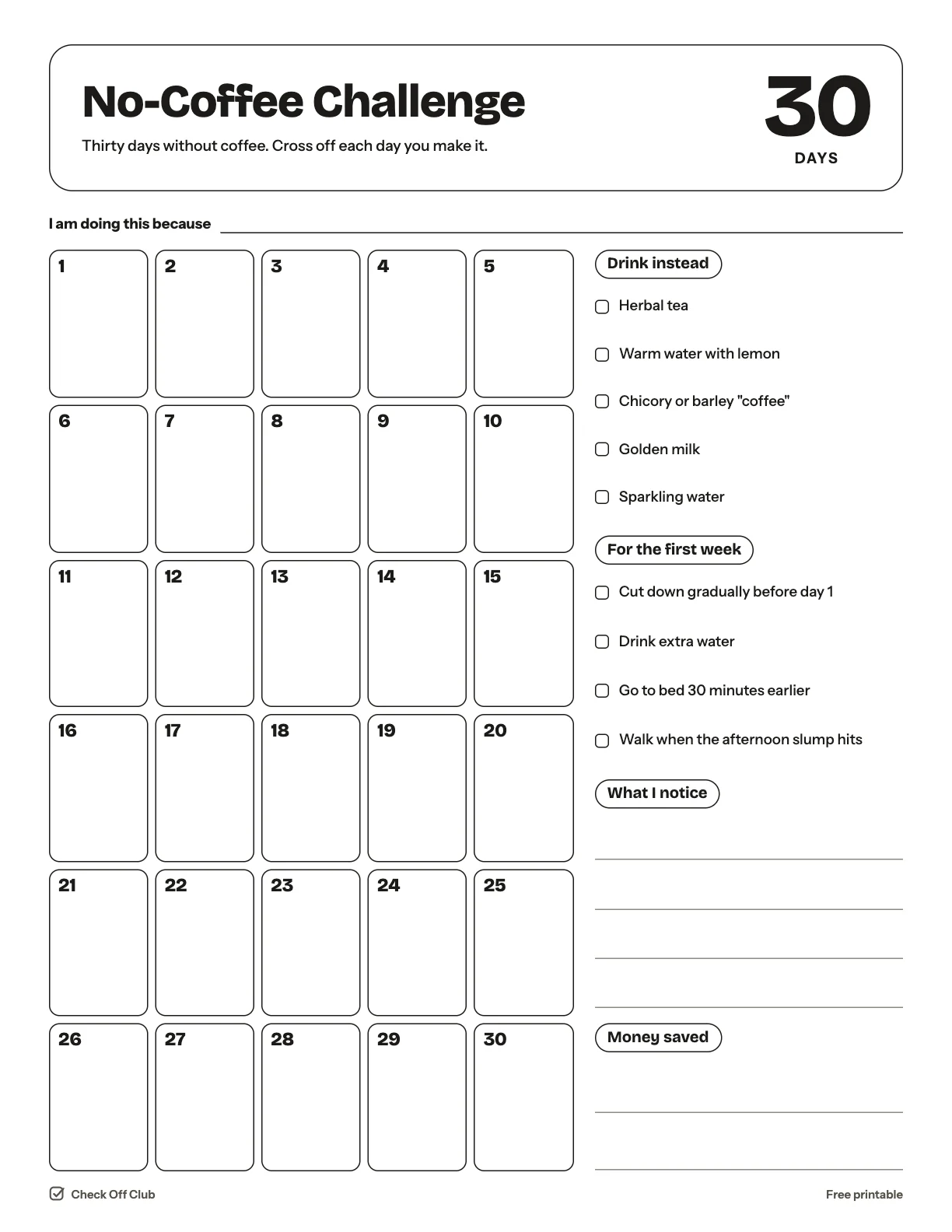
30-Day No-Coffee Challenge

Taking a month off coffee is a simple way to find out how you sleep, feel and focus without it. This tracker gives you one box per day, a list of things to drink instead and a few tips for the first, hardest week.

Paper
Edit it before printing — change any text, type on the lines, pick your own color
  • Free, no sign-up
  • 1 page
  • White paper by default, color optional
Save to Pinterest

How to use it

  1. Cut down over a few days before you start — it makes the first week much easier.
  2. Pick your replacement drink in advance so the morning ritual stays, only the cup changes.
  3. Note how you sleep and how your afternoons feel. That is the part worth knowing at day 30.
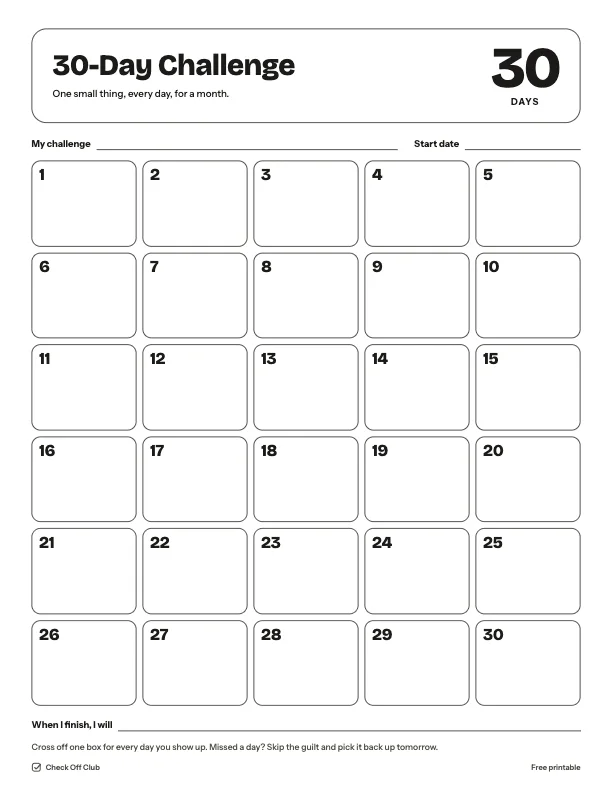
What is on the 30-day no-coffee challenge

Drink instead

  • Herbal tea
  • Warm water with lemon
  • Chicory or barley "coffee"
  • Golden milk
  • Sparkling water

For the first week

  • Cut down gradually before day 1
  • Drink extra water
  • Go to bed 30 minutes earlier
  • Walk when the afternoon slump hits

Questions

Is this printable really free?

Yes. The 30-Day No-Coffee Challenge is free to download and print for personal, family and classroom use. There is no sign-up and no email required.

Which size should I download — US Letter or A4?

Choose US Letter (8.5 × 11 in) if you are in the United States or Canada, and A4 (210 × 297 mm) almost everywhere else. Both files have the same content.

How do I print it?

Open the PDF and print at 100% or "actual size" on plain paper. The default version is white with thin outlines, so it uses very little ink. If you want color, switch Paper to Color before downloading, or pick any color in the editable version.

Can I edit it before printing?

Yes. Use "Edit it before printing" on this page to open the editable version. Click any text to change it, type on the blank lines, tick boxes, then print it or save it as a PDF. Your changes are kept in your browser only.

Can I use it on a tablet instead of printing?

Yes. Import the PDF into GoodNotes, Notability or any PDF annotation app and write on it with a stylus.