Check Off Club
75 Hard Challenge Tracker — free printable PDF
Challenges & Trackers

75 Hard Challenge Tracker

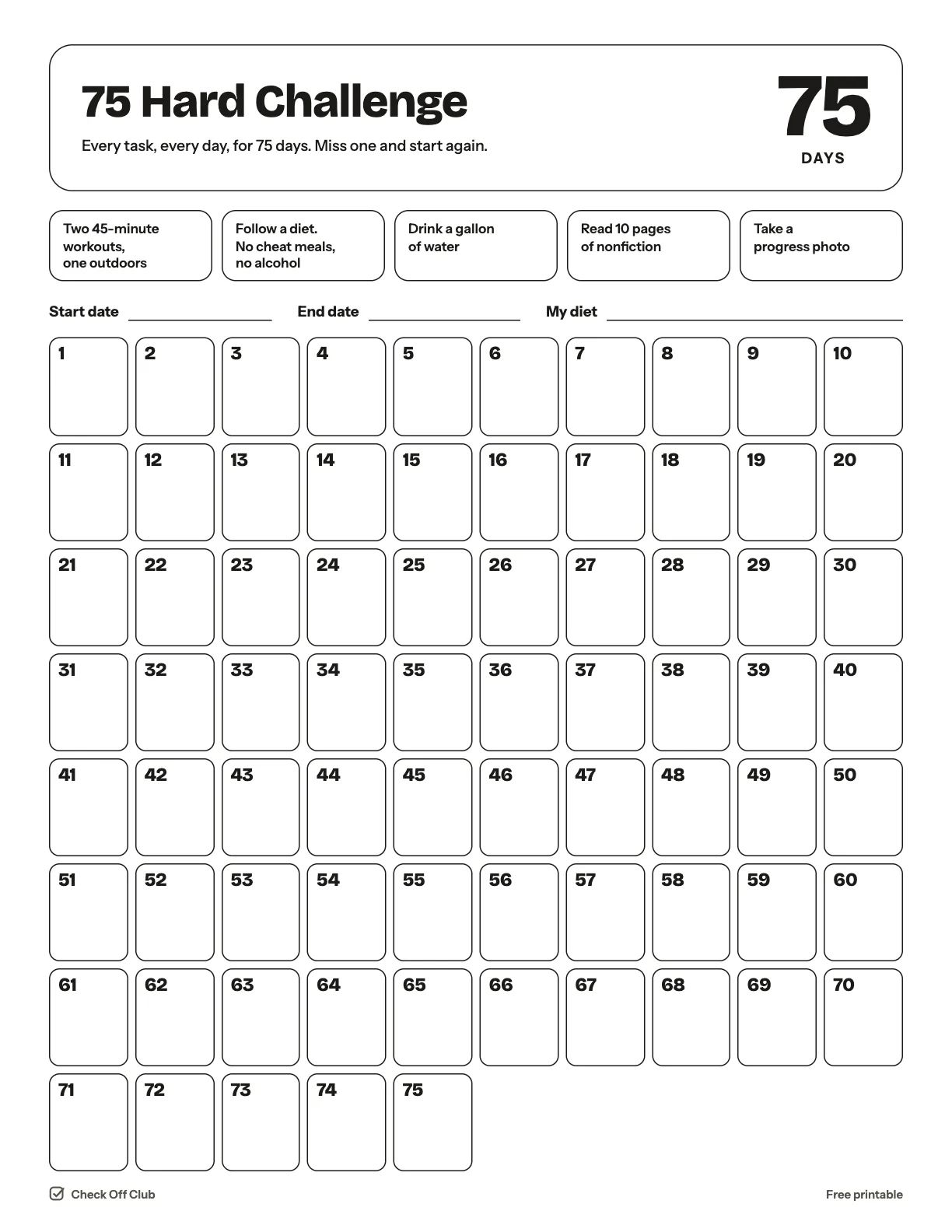
The 75 Hard challenge is five daily tasks for 75 days with no days off, and if you miss one you start again at day one. This page keeps the tasks in front of you and gives you a box to cross off each day you complete all five. This printable is an independent tracker and is not affiliated with the creators of the program.

Paper
Edit it before printing — change any text, type on the lines, pick your own color
  • Free, no sign-up
  • 1 page
  • White paper by default, color optional
Save to Pinterest

How to use it

  1. Cross off the box only when every task for the day is done.
  2. Plan the outdoor workout around the weather the night before.
  3. This is a demanding program. Check with your doctor before starting, especially the diet and exercise parts.
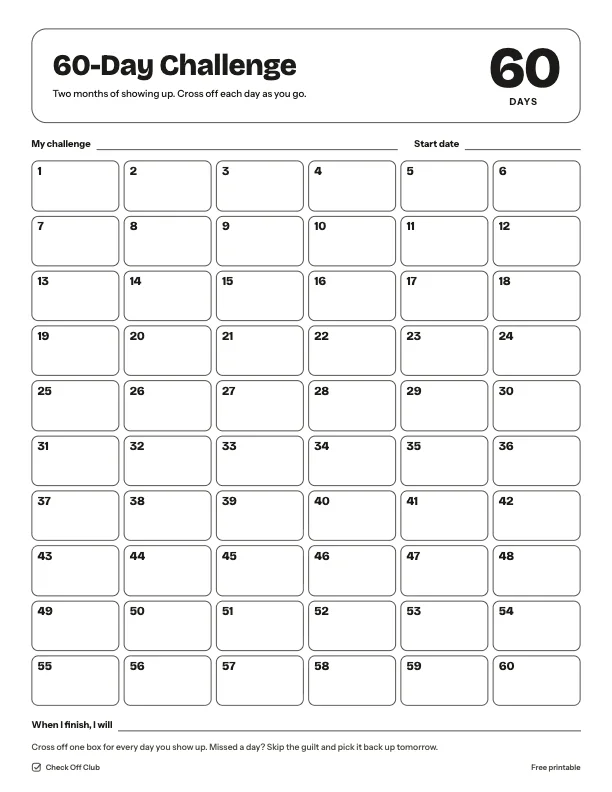
What is on the 75 hard challenge tracker

The rules

  • Two 45-minute workouts, one outdoors
  • Follow a diet. No cheat meals, no alcohol
  • Drink a gallon of water
  • Read 10 pages of nonfiction
  • Take a progress photo

Questions

Is this printable really free?

Yes. The 75 Hard Challenge Tracker is free to download and print for personal, family and classroom use. There is no sign-up and no email required.

Which size should I download — US Letter or A4?

Choose US Letter (8.5 × 11 in) if you are in the United States or Canada, and A4 (210 × 297 mm) almost everywhere else. Both files have the same content.

How do I print it?

Open the PDF and print at 100% or "actual size" on plain paper. The default version is white with thin outlines, so it uses very little ink. If you want color, switch Paper to Color before downloading, or pick any color in the editable version.

Can I edit it before printing?

Yes. Use "Edit it before printing" on this page to open the editable version. Click any text to change it, type on the blank lines, tick boxes, then print it or save it as a PDF. Your changes are kept in your browser only.

Can I use it on a tablet instead of printing?

Yes. Import the PDF into GoodNotes, Notability or any PDF annotation app and write on it with a stylus.