Check Off Club
Hospital Bag Checklist — free printable PDF
Travel & Life Events

Hospital Bag Checklist

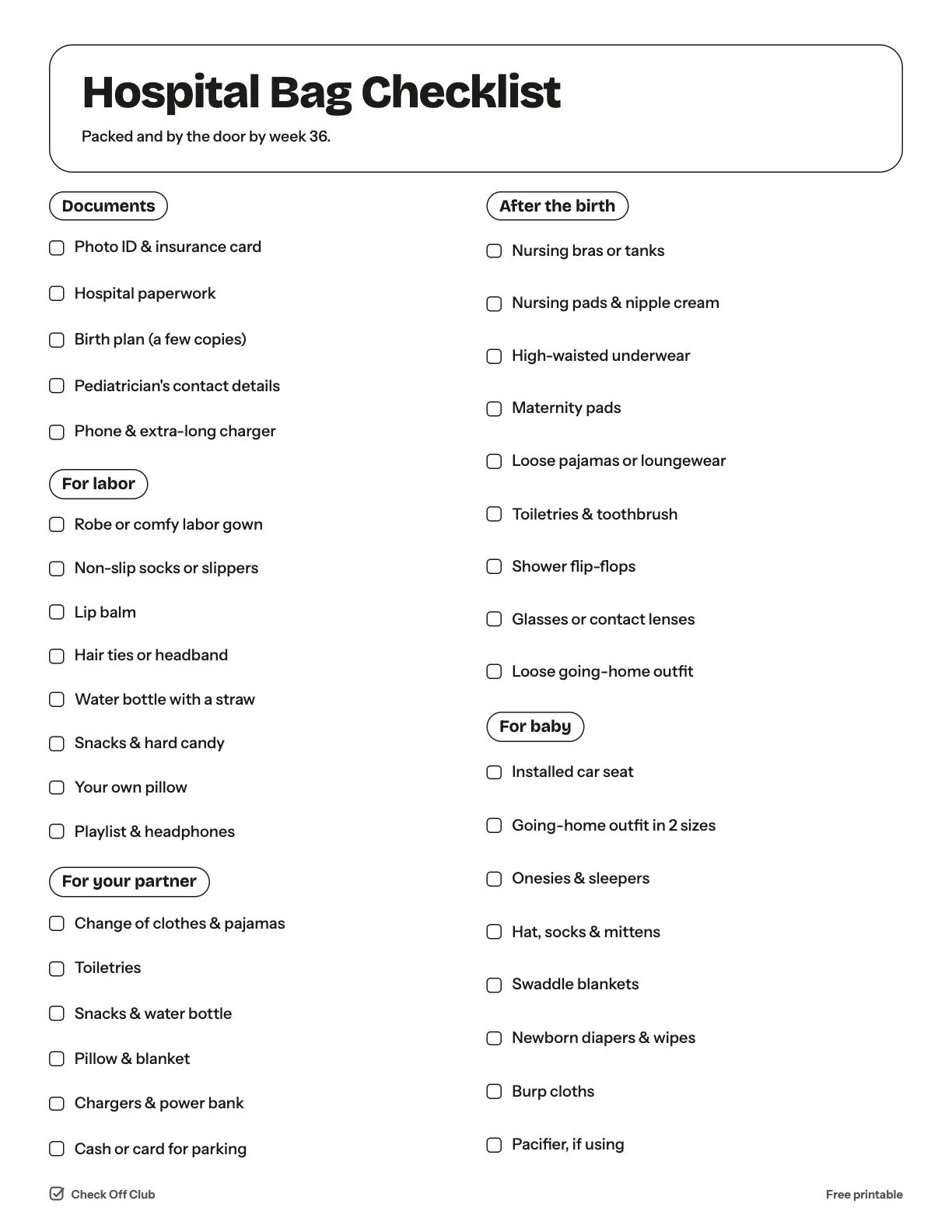
Have your hospital bag packed by week 36. This checklist covers what you need for labor, for the days after, for the baby and for your partner — and leaves out the things most parents say they never used.

Paper
Edit it before printing — change any text, type on the lines, pick your own color
  • Free, no sign-up
  • 1 page
  • White paper by default, color optional
Save to Pinterest

How to use it

  1. Pack two bags: a small one for labor and a larger one for after the birth.
  2. Ask your hospital what it provides. Many supply diapers, wipes and pads.
  3. Install the car seat a few weeks early and keep the bag by the door.
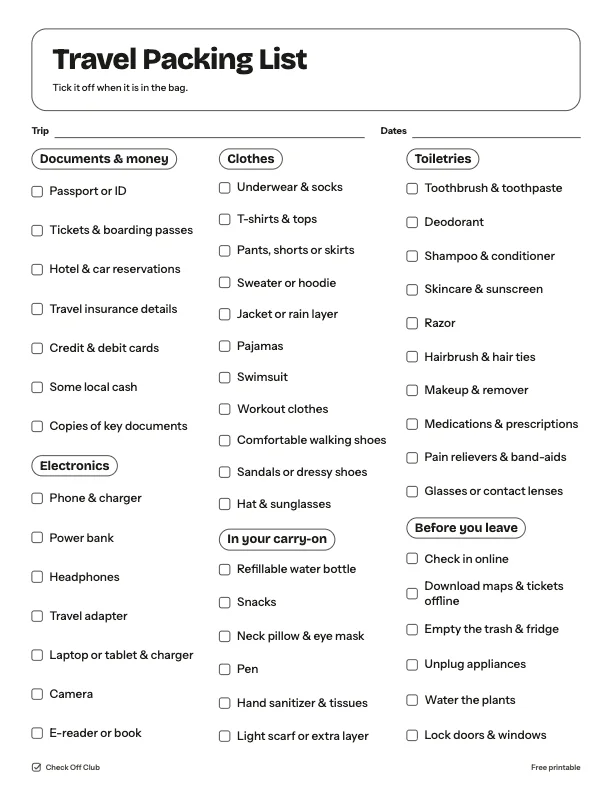
What is on the hospital bag checklist

Documents

  • Photo ID & insurance card
  • Hospital paperwork
  • Birth plan (a few copies)
  • Pediatrician's contact details
  • Phone & extra-long charger

For labor

  • Robe or comfy labor gown
  • Non-slip socks or slippers
  • Lip balm
  • Hair ties or headband
  • Water bottle with a straw
  • Snacks & hard candy
  • Your own pillow
  • Playlist & headphones

For your partner

  • Change of clothes & pajamas
  • Toiletries
  • Snacks & water bottle
  • Pillow & blanket
  • Chargers & power bank
  • Cash or card for parking

After the birth

  • Nursing bras or tanks
  • Nursing pads & nipple cream
  • High-waisted underwear
  • Maternity pads
  • Loose pajamas or loungewear
  • Toiletries & toothbrush
  • Shower flip-flops
  • Glasses or contact lenses
  • Loose going-home outfit

For baby

  • Installed car seat
  • Going-home outfit in 2 sizes
  • Onesies & sleepers
  • Hat, socks & mittens
  • Swaddle blankets
  • Newborn diapers & wipes
  • Burp cloths
  • Pacifier, if using

Questions

Is this printable really free?

Yes. The Hospital Bag Checklist is free to download and print for personal, family and classroom use. There is no sign-up and no email required.

Which size should I download — US Letter or A4?

Choose US Letter (8.5 × 11 in) if you are in the United States or Canada, and A4 (210 × 297 mm) almost everywhere else. Both files have the same content.

How do I print it?

Open the PDF and print at 100% or "actual size" on plain paper. The default version is white with thin outlines, so it uses very little ink. If you want color, switch Paper to Color before downloading, or pick any color in the editable version.

Can I edit it before printing?

Yes. Use "Edit it before printing" on this page to open the editable version. Click any text to change it, type on the blank lines, tick boxes, then print it or save it as a PDF. Your changes are kept in your browser only.

Can I use it on a tablet instead of printing?

Yes. Import the PDF into GoodNotes, Notability or any PDF annotation app and write on it with a stylus.