Check Off Club
Weekly Cleaning Schedule — free printable PDF
Cleaning & Home

Weekly Cleaning Schedule

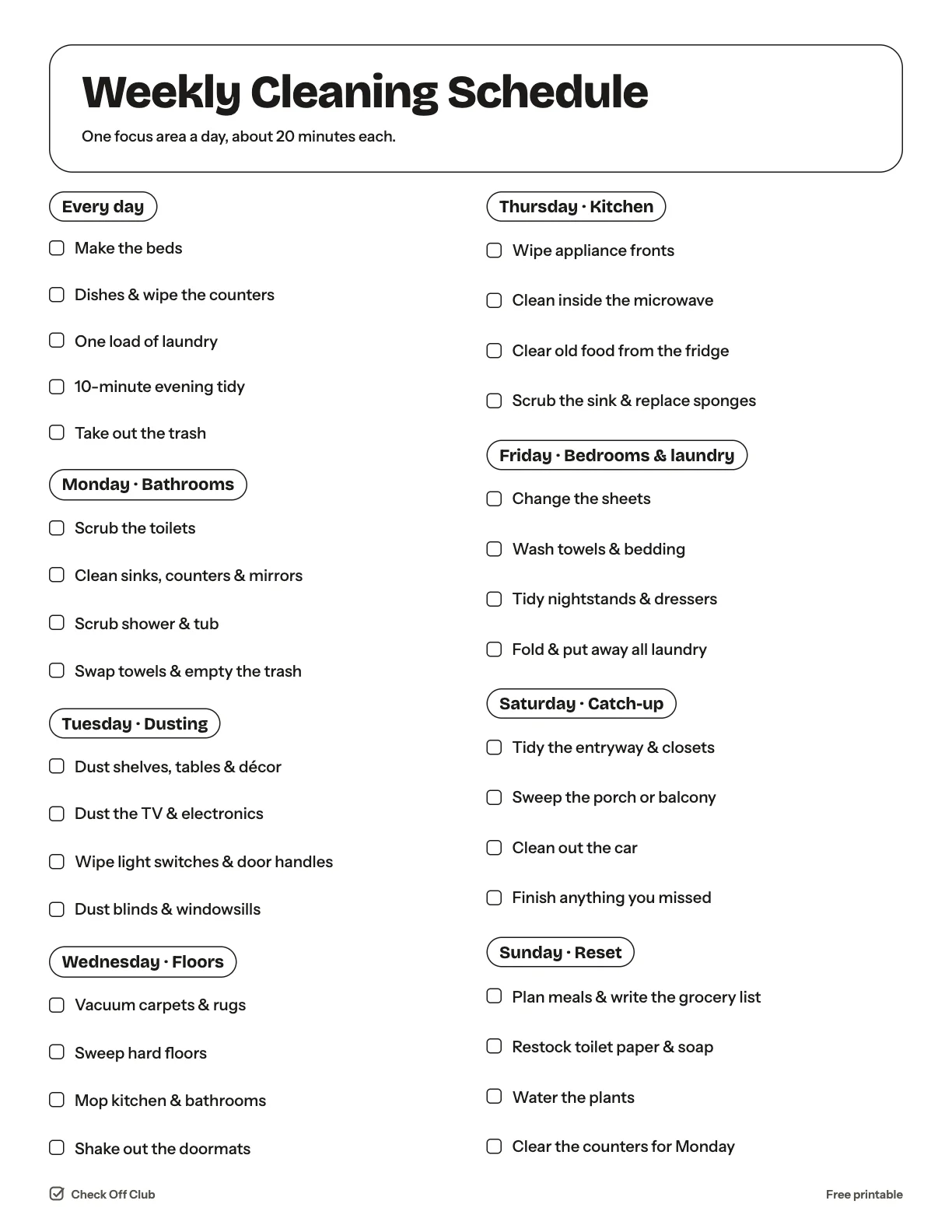
Instead of losing a whole Saturday to housework, this schedule gives each day one focus area and about 20 minutes of work. By Sunday the whole house has been cleaned and you still had a weekend.

Paper
Edit it before printing — change any text, type on the lines, pick your own color
  • Free, no sign-up
  • 1 page
  • White paper by default, color optional
Save to Pinterest

How to use it

  1. Do the "every day" list first. It keeps the house running even if you skip the daily focus.
  2. Swap the days to fit your week — the order matters less than the rhythm.
  3. Sharing the work? Write a name next to each day.
What is on the weekly cleaning schedule

Every day

  • Make the beds
  • Dishes & wipe the counters
  • One load of laundry
  • 10-minute evening tidy
  • Take out the trash

Monday · Bathrooms

  • Scrub the toilets
  • Clean sinks, counters & mirrors
  • Scrub shower & tub
  • Swap towels & empty the trash

Tuesday · Dusting

  • Dust shelves, tables & décor
  • Dust the TV & electronics
  • Wipe light switches & door handles
  • Dust blinds & windowsills

Wednesday · Floors

  • Vacuum carpets & rugs
  • Sweep hard floors
  • Mop kitchen & bathrooms
  • Shake out the doormats

Thursday · Kitchen

  • Wipe appliance fronts
  • Clean inside the microwave
  • Clear old food from the fridge
  • Scrub the sink & replace sponges

Friday · Bedrooms & laundry

  • Change the sheets
  • Wash towels & bedding
  • Tidy nightstands & dressers
  • Fold & put away all laundry

Saturday · Catch-up

  • Tidy the entryway & closets
  • Sweep the porch or balcony
  • Clean out the car
  • Finish anything you missed

Sunday · Reset

  • Plan meals & write the grocery list
  • Restock toilet paper & soap
  • Water the plants
  • Clear the counters for Monday

Questions

Is this printable really free?

Yes. The Weekly Cleaning Schedule is free to download and print for personal, family and classroom use. There is no sign-up and no email required.

Which size should I download — US Letter or A4?

Choose US Letter (8.5 × 11 in) if you are in the United States or Canada, and A4 (210 × 297 mm) almost everywhere else. Both files have the same content.

How do I print it?

Open the PDF and print at 100% or "actual size" on plain paper. The default version is white with thin outlines, so it uses very little ink. If you want color, switch Paper to Color before downloading, or pick any color in the editable version.

Can I edit it before printing?

Yes. Use "Edit it before printing" on this page to open the editable version. Click any text to change it, type on the blank lines, tick boxes, then print it or save it as a PDF. Your changes are kept in your browser only.

Can I use it on a tablet instead of printing?

Yes. Import the PDF into GoodNotes, Notability or any PDF annotation app and write on it with a stylus.